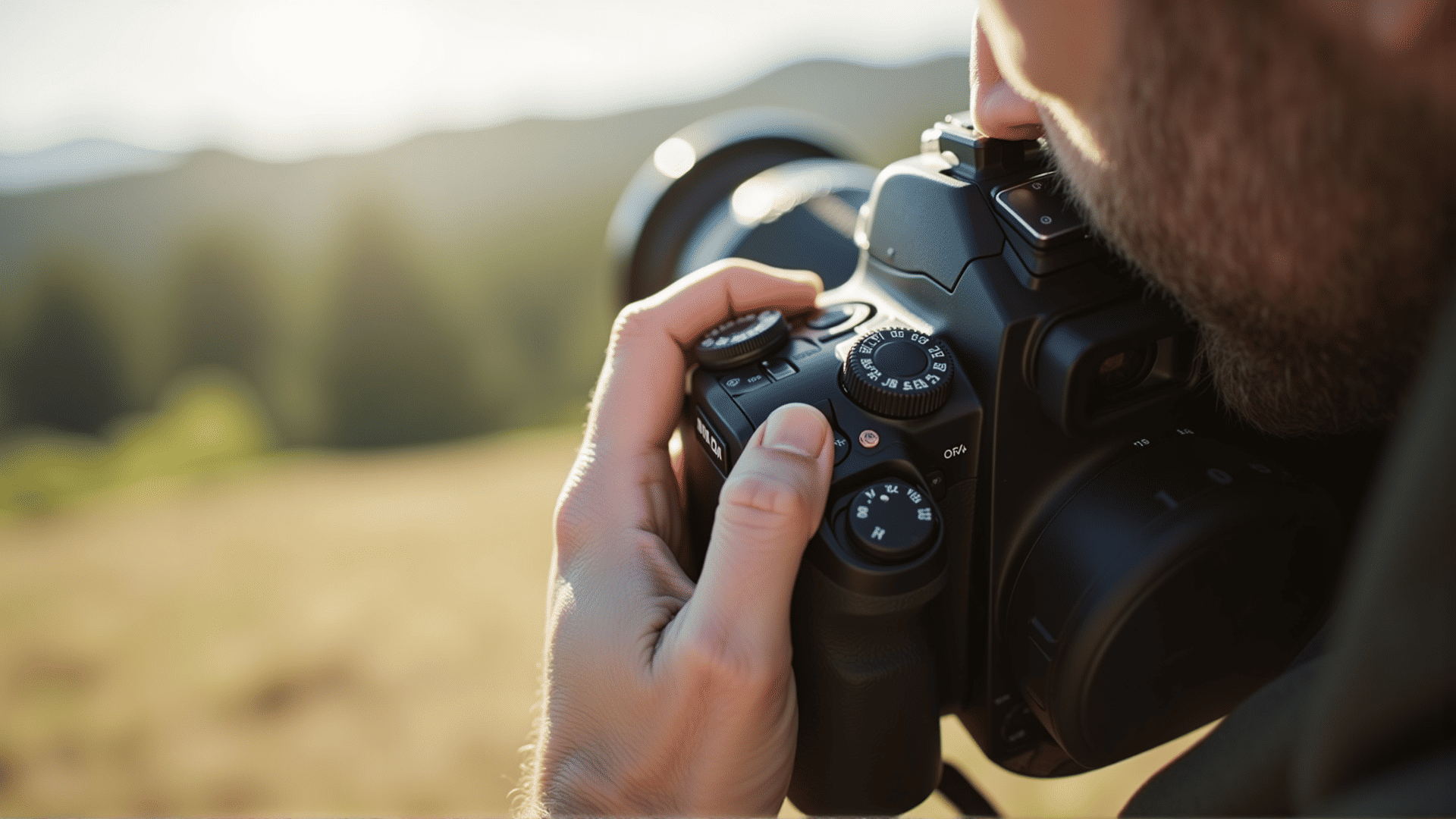
Unlocking your camera's potential involves understanding and mastering the diverse settings it offers. By learning how to manipulate aperture, shutter speed, ISO, and white balance effectively, you can transform ordinary scenes into extraordinary images. Here's a guide to help you choose the optimal settings for various lighting conditions and scenes.
Aperture: Controlling Depth of Field
Aperture is the opening in a lens through which light passes. It's measured in f-stops, like f/2.8, f/4, and f/16. A smaller f-stop number means a larger aperture, allowing more light and creating a shallow depth of field. This is ideal for portraits, where you want your subject sharp and the background blurred.
Conversely, a higher f-stop (smaller aperture) provides a larger depth of field, suitable for landscapes where every detail from foreground to background needs clarity.
Shutter Speed: Freezing or Blurring Motion
Shutter speed determines how long the camera's sensor is exposed to light. A fast shutter speed, like 1/1000th of a second, freezes motion, perfect for capturing fast-moving subjects like wildlife or sports. For scenes requiring light trails or a silky waterfall effect, a slower shutter speed (e.g., 1/30th of a second or longer) is ideal.
When using slow shutter speeds, a tripod is crucial to prevent camera shake and ensure sharp images.
ISO: Managing Light Sensitivity
ISO measures the sensitivity of your camera’s sensor to light. In low-light situations, increasing the ISO allows you to capture brighter images, but be cautious—higher ISOs can introduce grain or noise into photos. A low ISO (100-200) is typically used in bright conditions, while a medium ISO (400-800) suits indoor settings. Only push to higher ISO values (1600 and above) when necessary.
To balance exposure without compromising image quality, start with the lowest ISO and adjust only when changing aperture and shutter speed aren't enough.
White Balance: Ensuring Accurate Colors
White balance settings adjust the color balance of your shot to match the light source's color temperature. Auto white balance works well in most situations, but manually choosing settings like 'daylight', 'cloudy', or 'tungsten' can produce more accurate color under challenging lighting. Experimenting with custom white balance settings can also yield creative results.
Scene-Specific Tips
-
Portraits: Use a large aperture to achieve a soft background blur, emphasizing the subject. Maintain a moderate ISO for natural light.
-
Landscapes: Opt for a smaller aperture to capture expansive detail, ensuring everything is in focus. Use a low ISO for clarity, especially during bright daylight.
-
Night Photography: In dark situations, increasing the ISO and using a wide aperture helps capture more light. Employ a longer shutter speed to create magical nightscapes, but stabilize your camera to avoid blurriness.
By mastering these elements, you can adapt to any scene or lighting condition. Practice adjusting your camera settings to intuitively know which combinations best capture the ambiance and beauty you envision.